
veilq
Black out names, addresses, IBANs, phone numbers and more in text, Word, Excel, mails, screenshots and PDFs — before you send them on. On your computer; nothing is uploaded.
The newest release from GitHub.
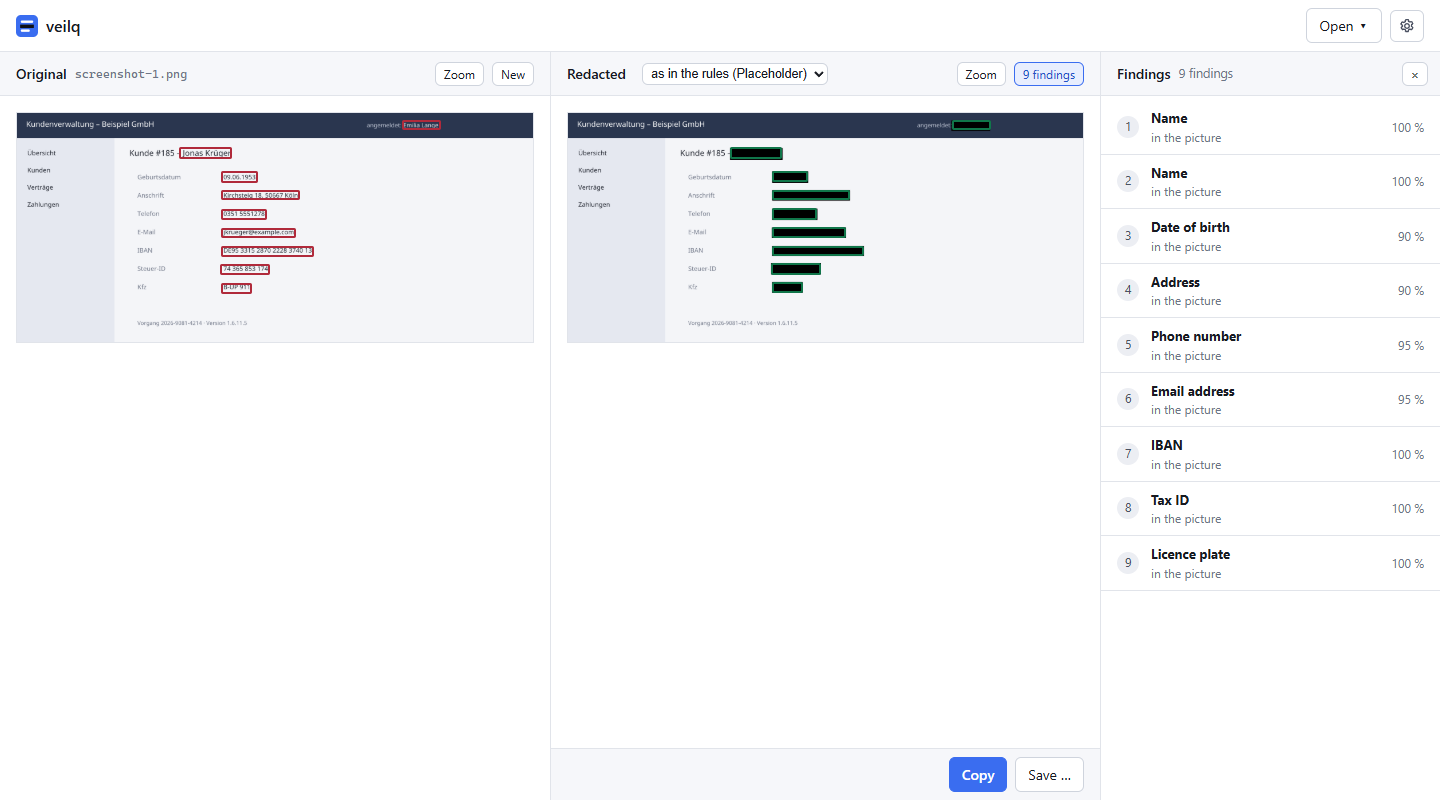
Start in three steps
- Double-click
veilq.exe. It opens in its own window, in German or English as your system speaks. - The welcome dialog puts veilq into your Start menu, for you alone, without administrator rights, and downloads what reads pictures and PDFs, and what finds names without a title.
- Type or paste text, drop a file or paste a screenshot (Ctrl+V), then copy the redacted result (Ctrl+C) or save it. Open → Redact a folder redacts a whole folder.
veilq is not signed yet. The first time, Windows says it protected your PC: choose More info, then Run anyway.
What veilq promises
Nothing leaves your computer
veilq makes no network call with your content. Models are downloaded once, when you ask, and checked against a checksum built into veilq.
Fail closed
What veilq cannot read is an error, never passed on unredacted. A picture is read again after it was blacked out.
German first
Names, addresses, IBANs (checked), tax and social security numbers, ID cards, licence plates, court file numbers, dates of birth. English too.
Your own rules
Your firm's name is no person, your customer number is personal: Settings → Rules, tried on a sample before it is saved.
From a command line, in CI, for agents
veilq redact letter.docx -o letter.redacted.docx
veilq scan tests/fixtures --sarif > veilq.sarif
veilq mcp            # an MCP server for any agent
Everything else is in the README; the decisions behind it in docs/adr.